Free. No account needed.
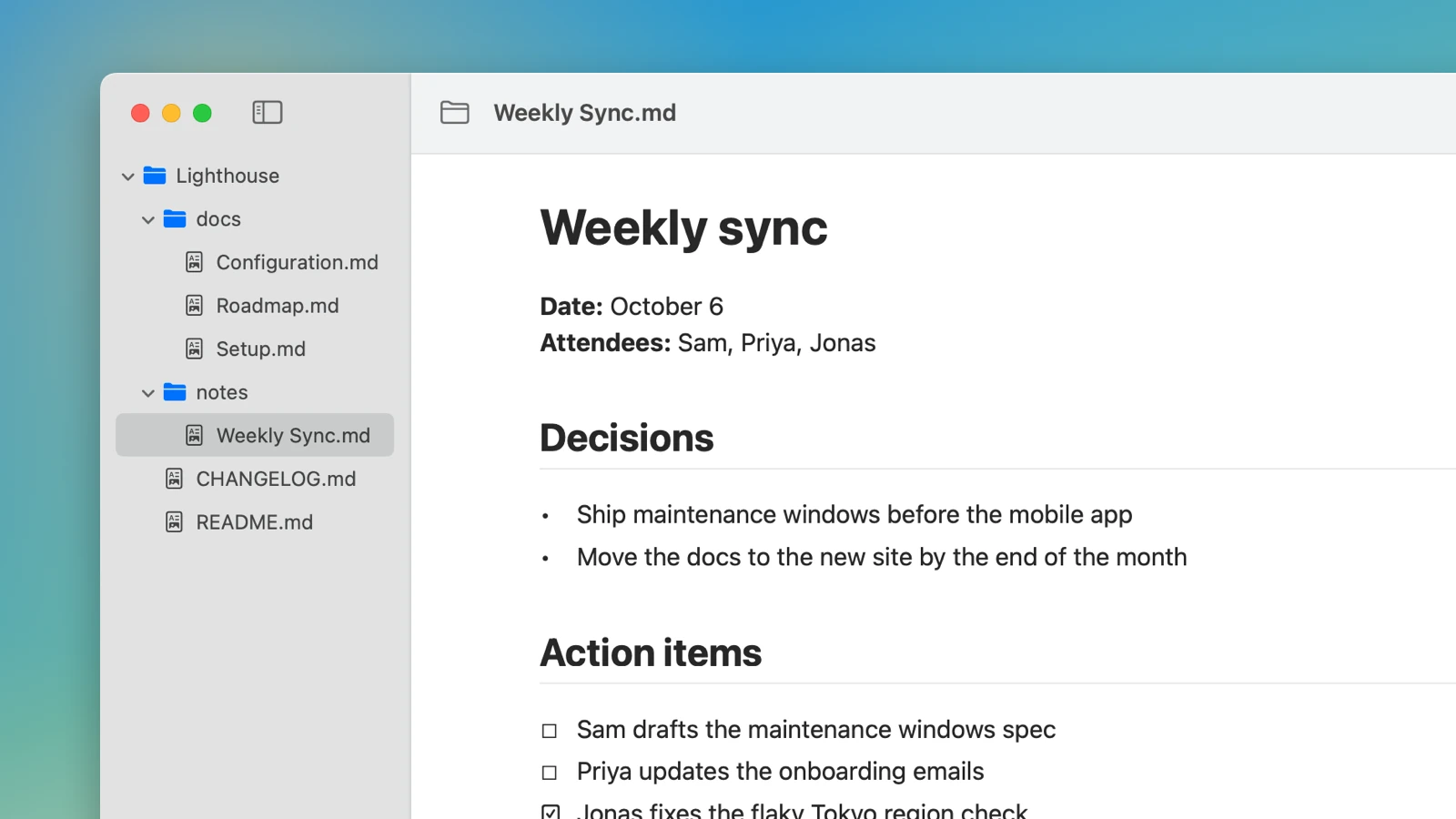
Open a single file or a whole folder. Every Markdown file shows up in the sidebar, and changes from other apps appear right away.
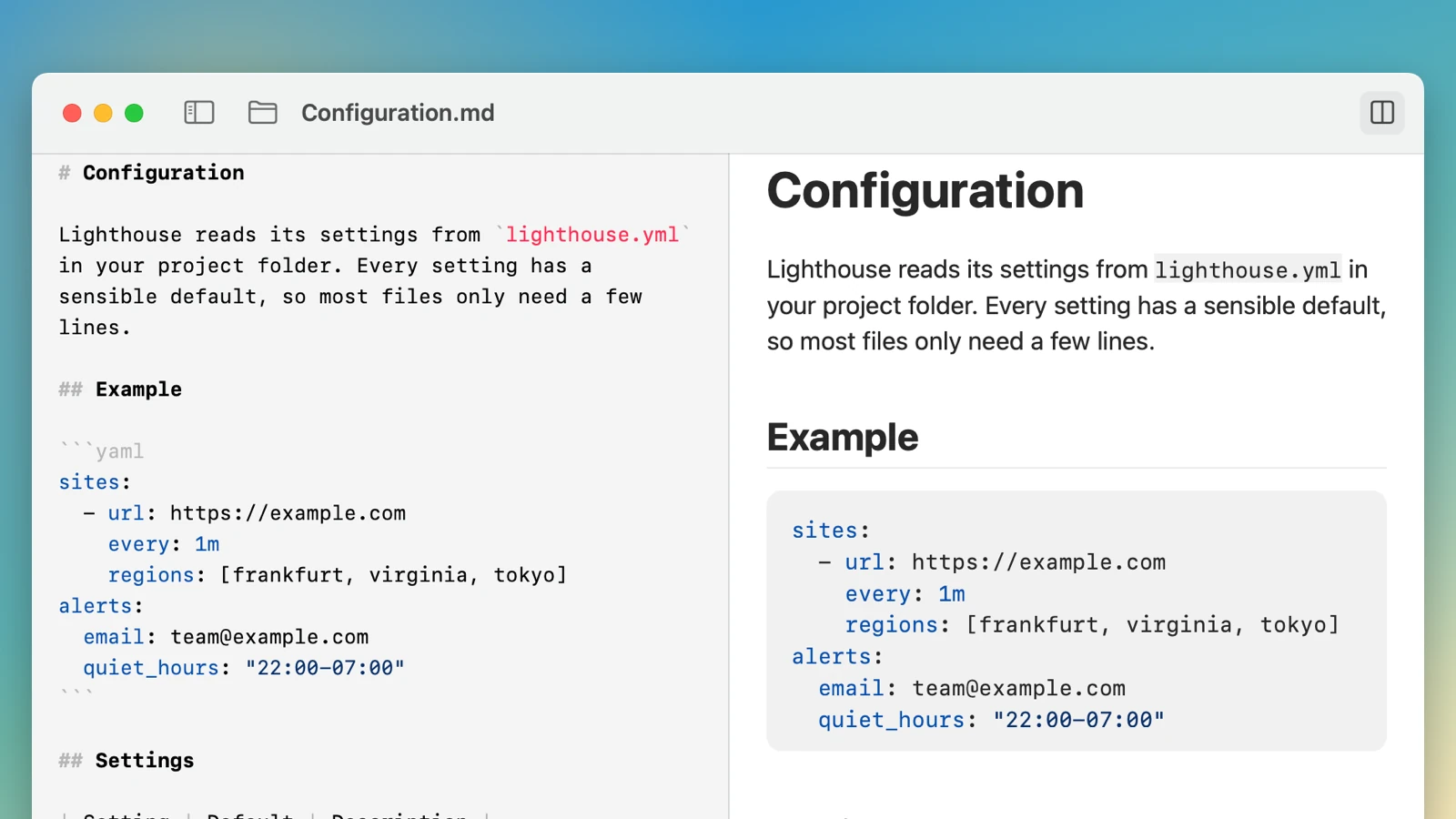
Open the editor next to the preview with one click or ⌥⌘E. The preview updates as you type and stays on the same line. Changes save on their own.
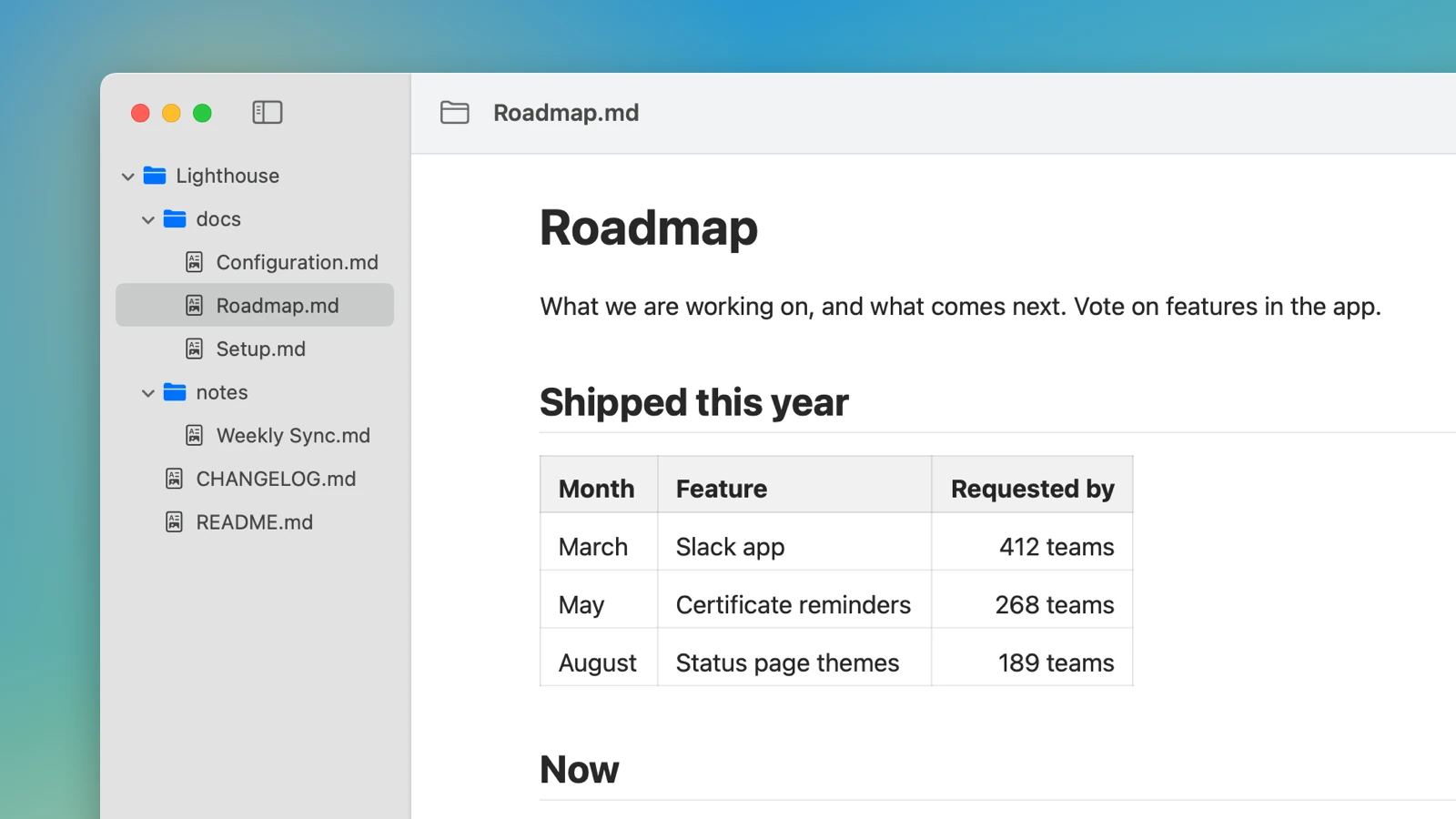
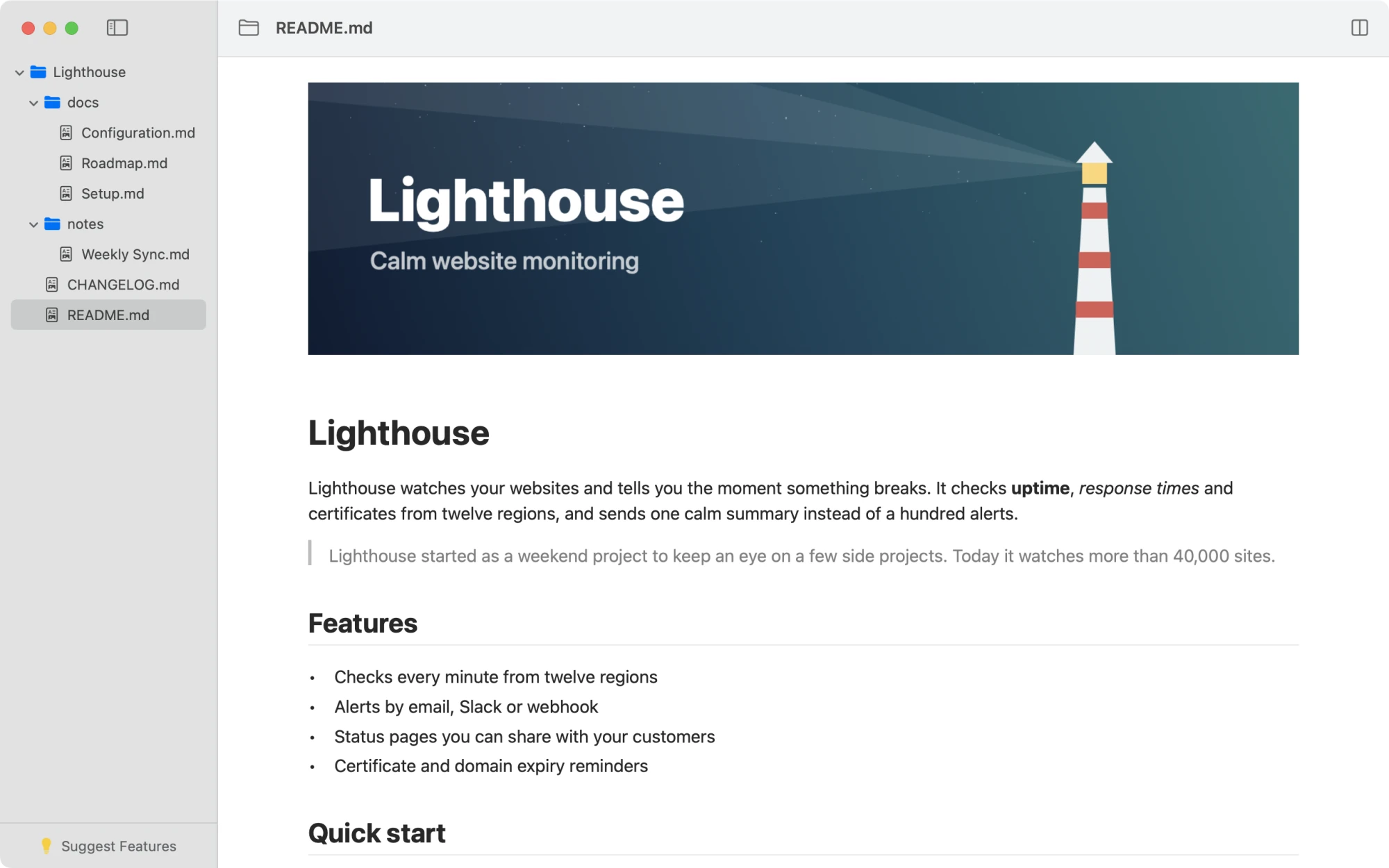
Headings, task lists, tables, quotes, images and code blocks, all rendered natively. Links to a heading jump right there, using the same anchors as GitHub.
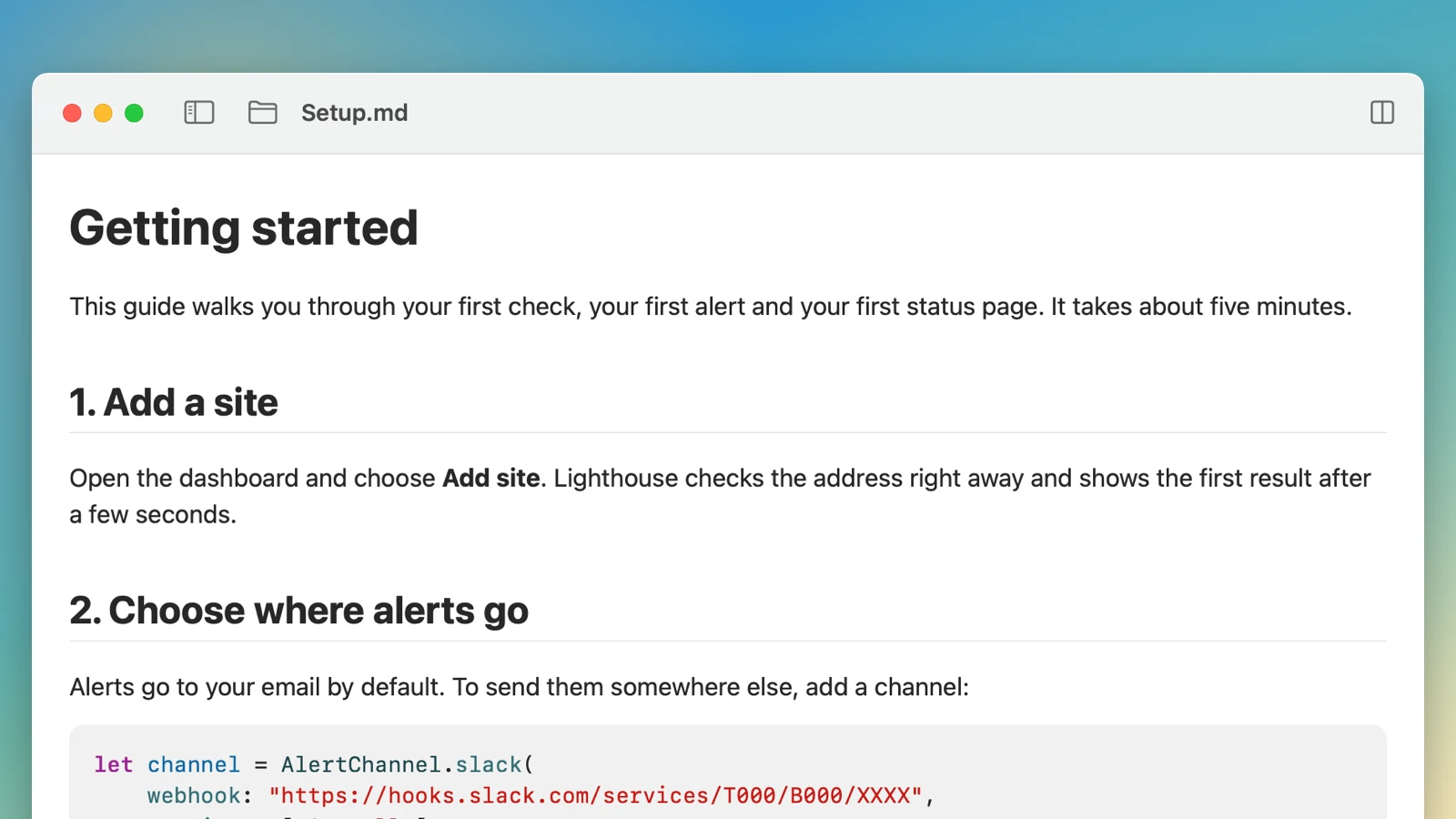
Hide the sidebar for a calm page. Big files open instantly, and everything looks right in light and dark mode.
ReadMarkdown only opens the files and folders you choose. It has no account and no tracking, and it never loads images from the internet.